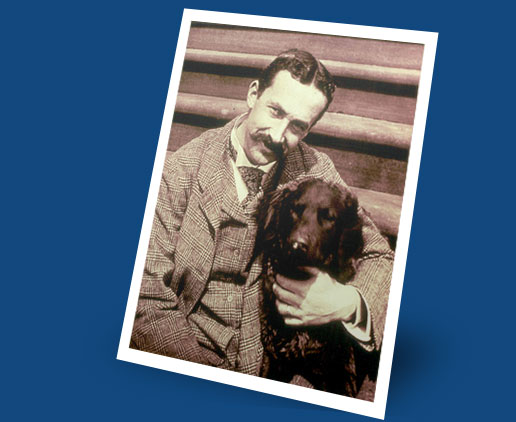
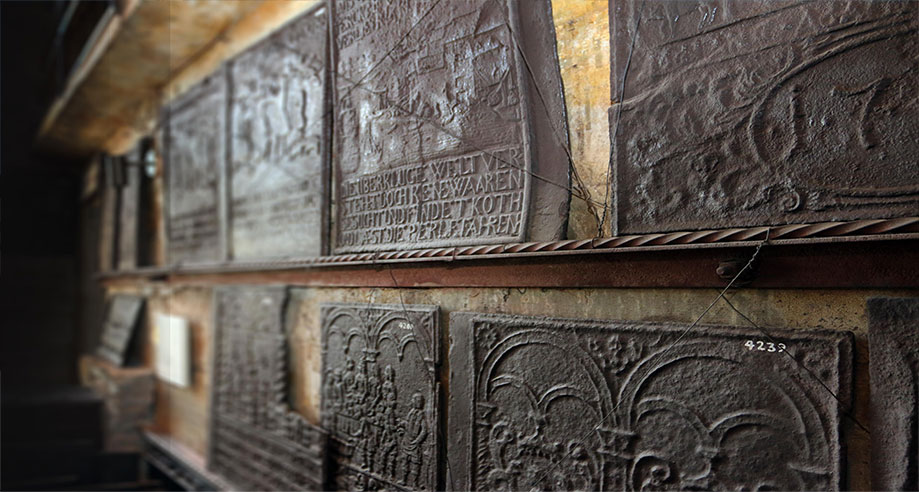
Working from home? Missing the museums as much as we do? Let us help you show off your Museum Pride with these Mercer Museum & Fonthill Castle Zoom backgrounds!
Download our Zoom backgrounds here.
Instructions
To apply your new background on your desktop Zoom app, follow the steps below. To apply the background on mobile devices, refer to Zoom’s official guidelines.
- Choose your preferred background from our dropbox and click on the image to download and save it to your computer.
- Open your Zoom app, log in to your account, and navigate to your account settings.
- Select “Virtual Background” and then choose the “+” icon to add your desired image as a background option.